Support
TagPass Support
Need help with TagPass? This page covers the basics, common troubleshooting, and where to get support.
TagPass lets you scan and save barcodes and QR codes from loyalty cards, membership cards, tickets, and other scannable passes, then display them fullscreen for scanning later.
Screenshots
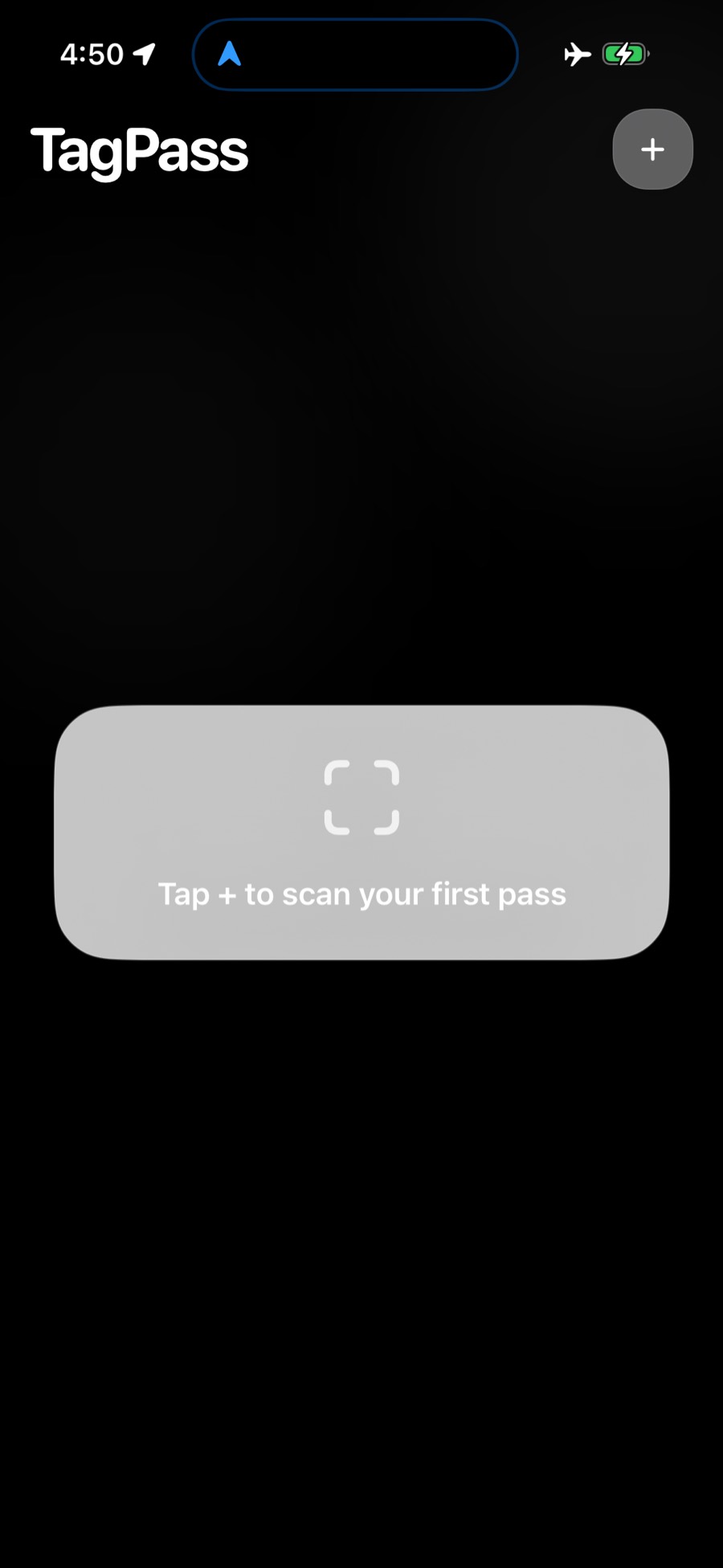
Start screen
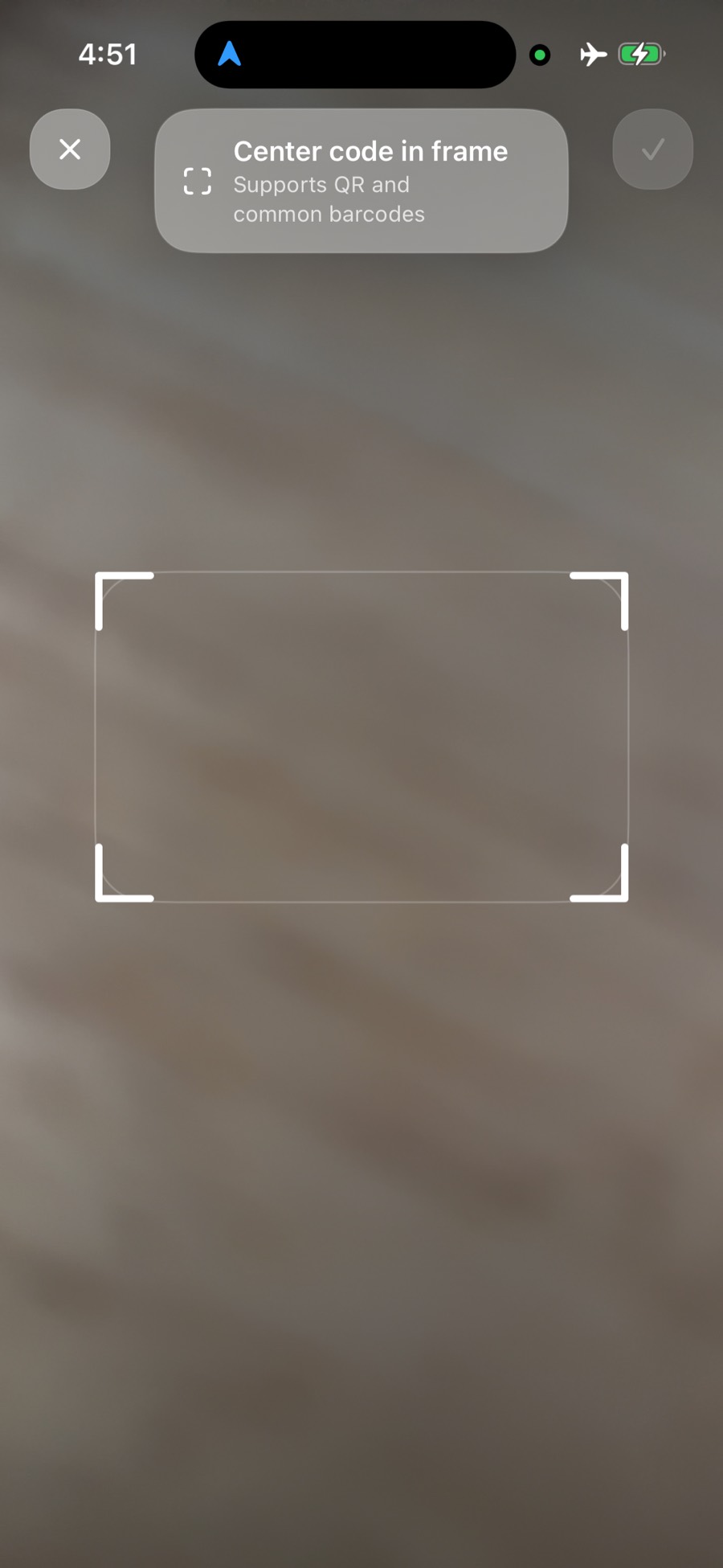
Add screen
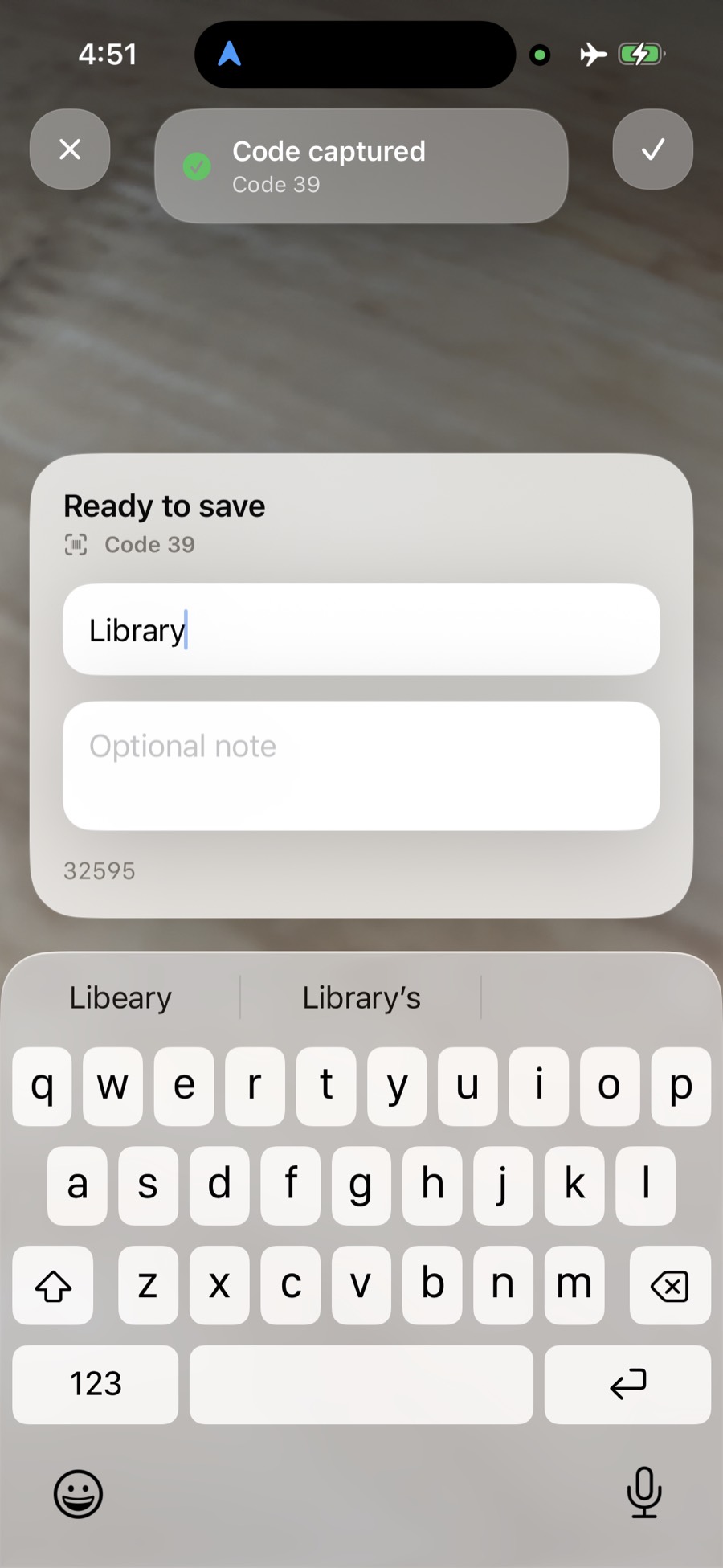
After scan
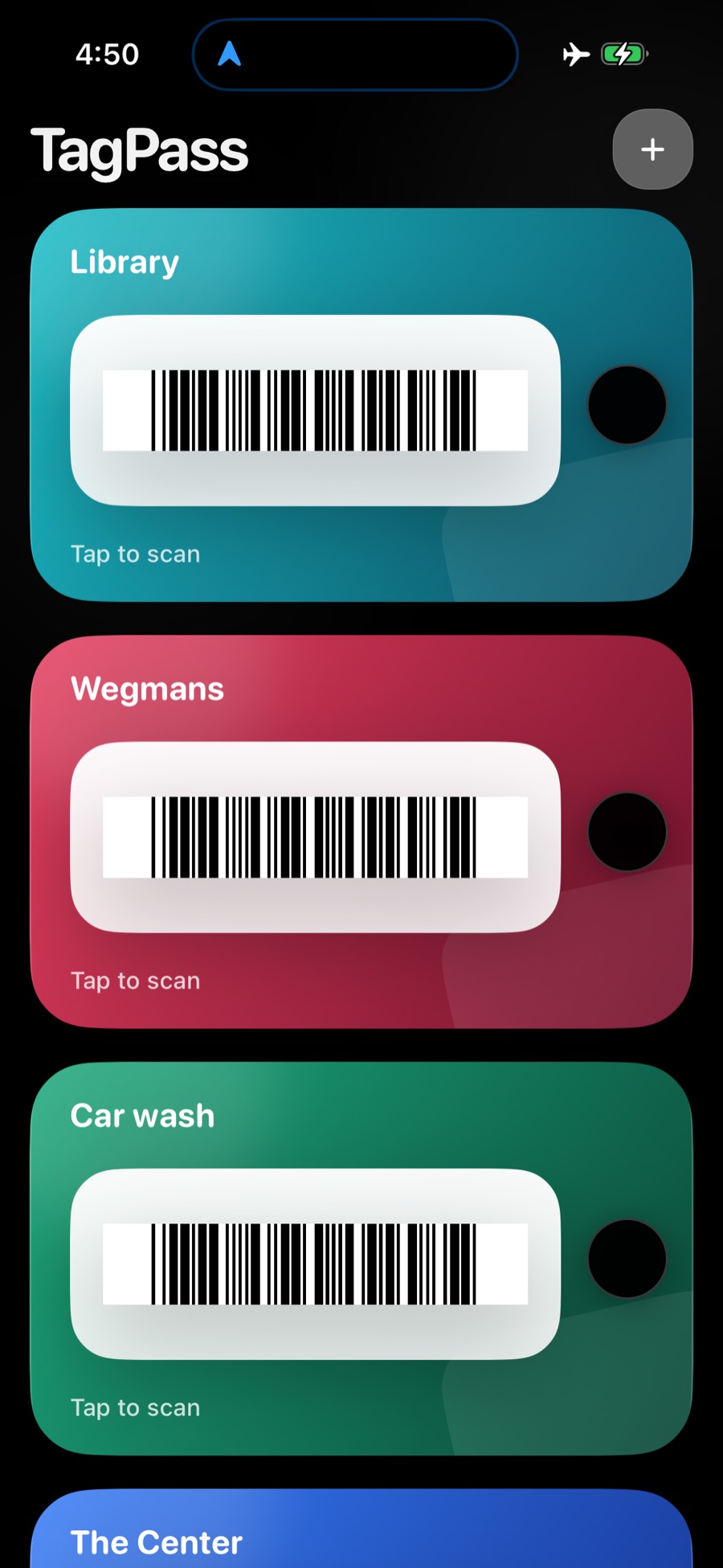
After adding TagPass scans
Common Help
- To add a pass: Tap the + button and scan a barcode or QR code.
- To edit a pass: Open the pass, choose details, and update the name or notes.
- To delete a pass: Open the pass details and choose delete.
- If a scanner does not read a pass: Try increasing screen brightness and confirm the detected barcode type in the Details view.
Contact
For support, email tagpass.support@gmail.com.
Privacy
You can read the TagPass Privacy Policy here: TagPass Privacy Policy.